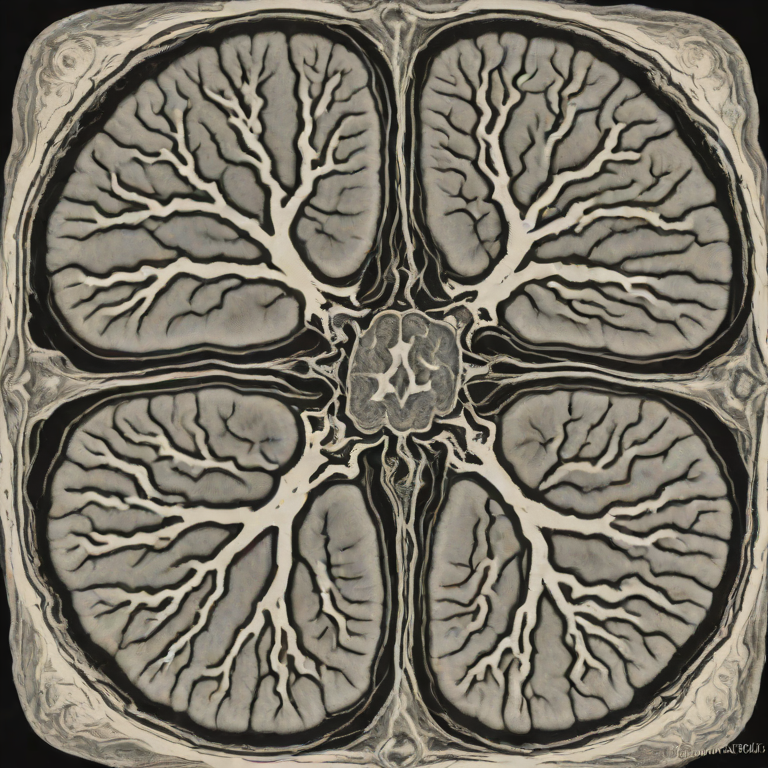
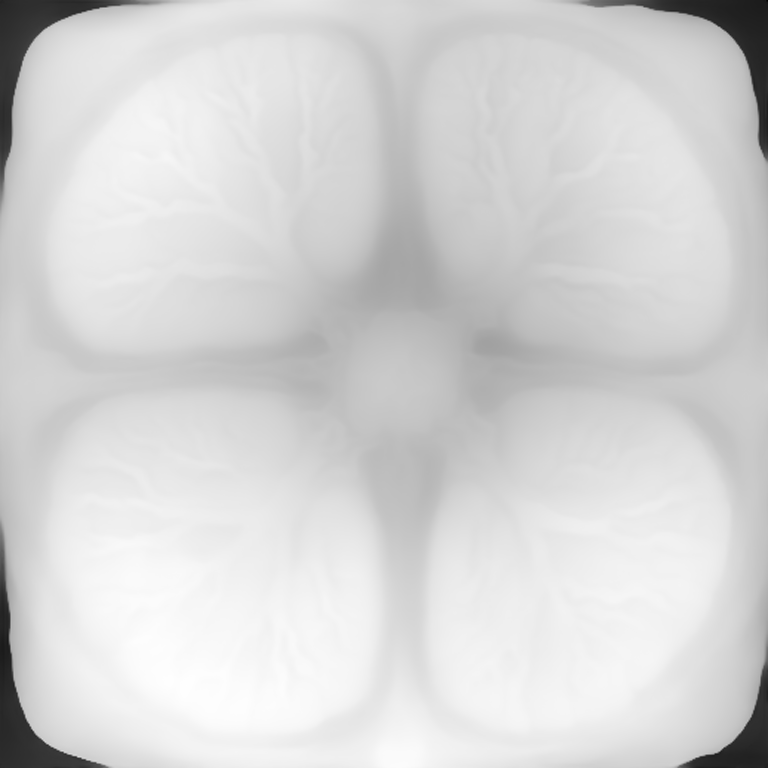
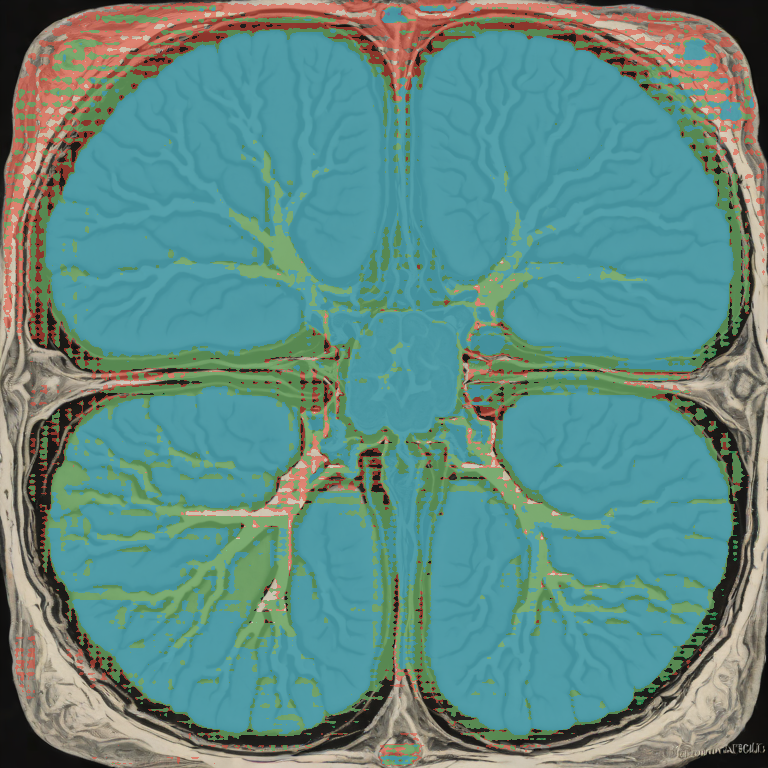
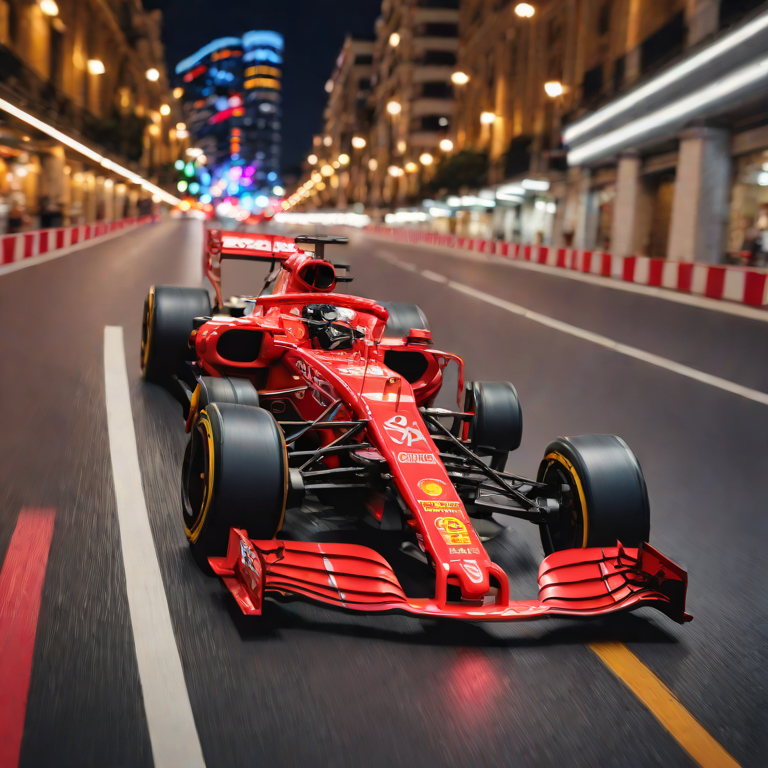
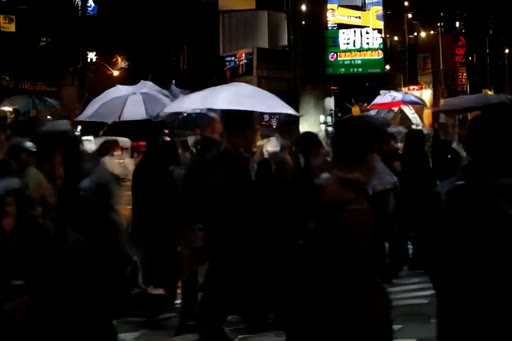
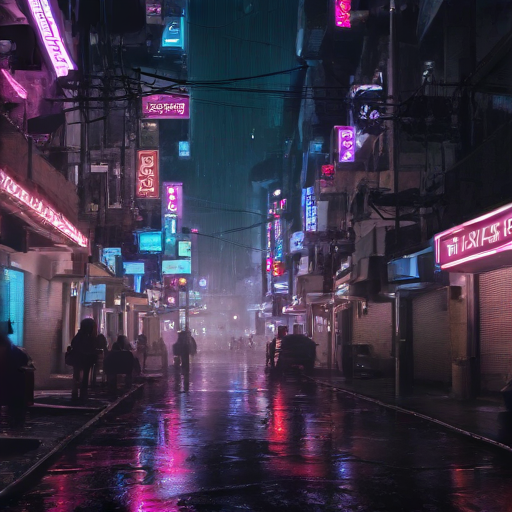
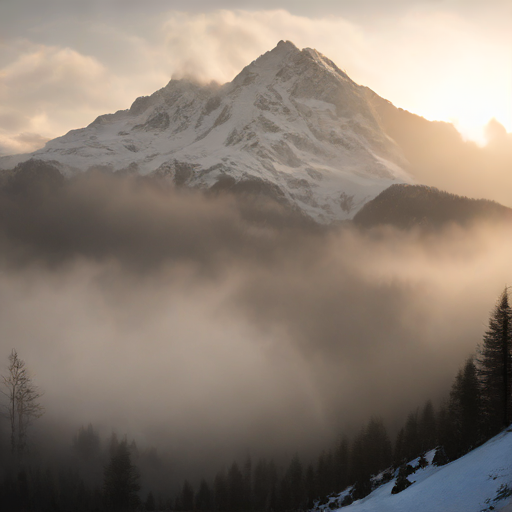
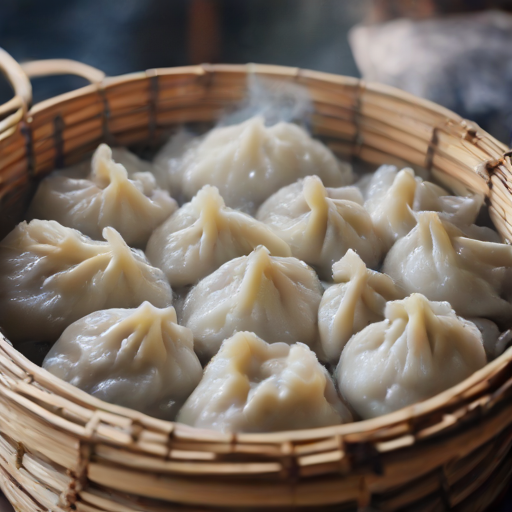
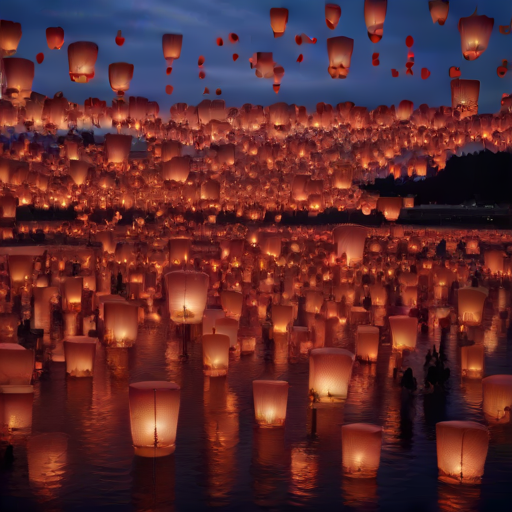
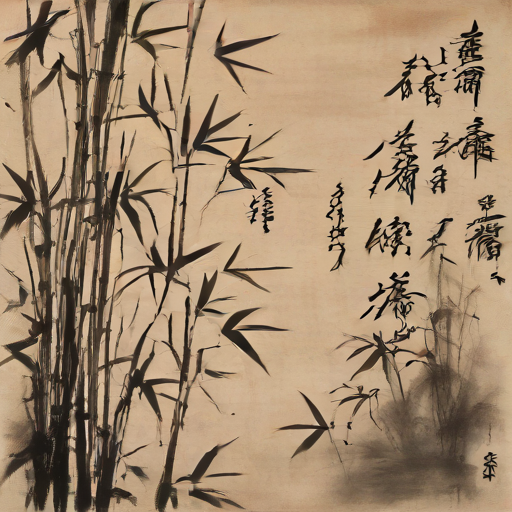
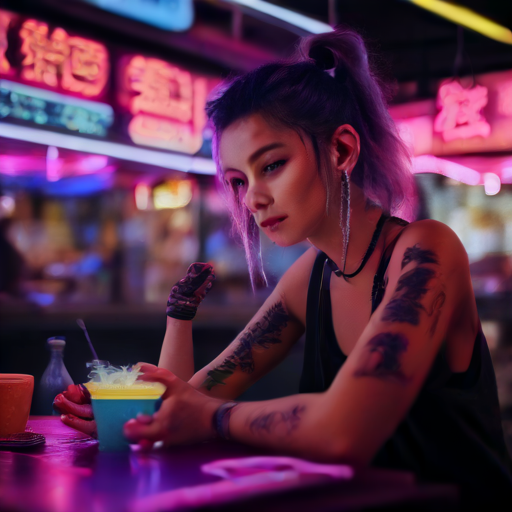
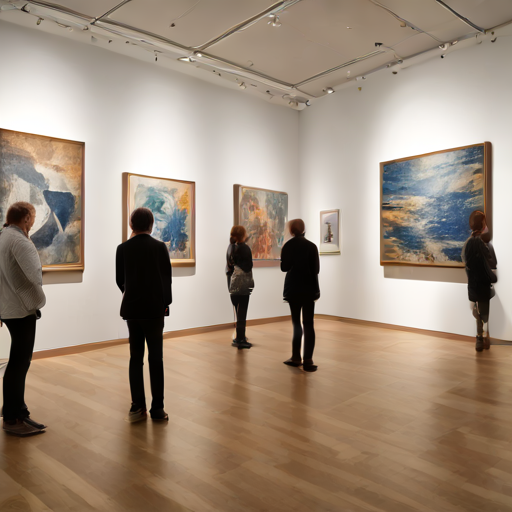
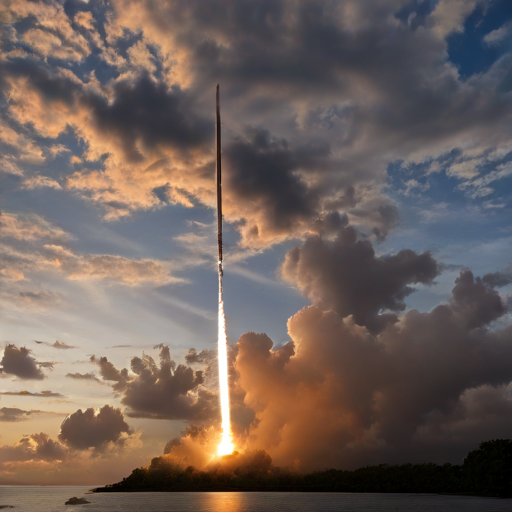
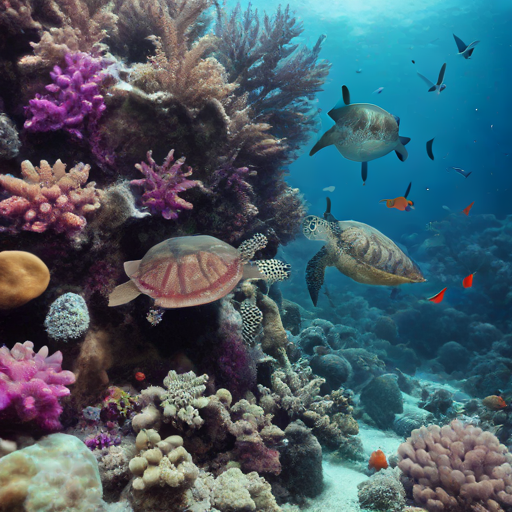
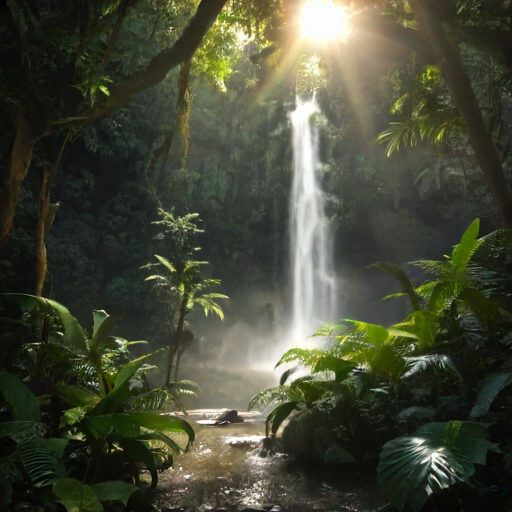
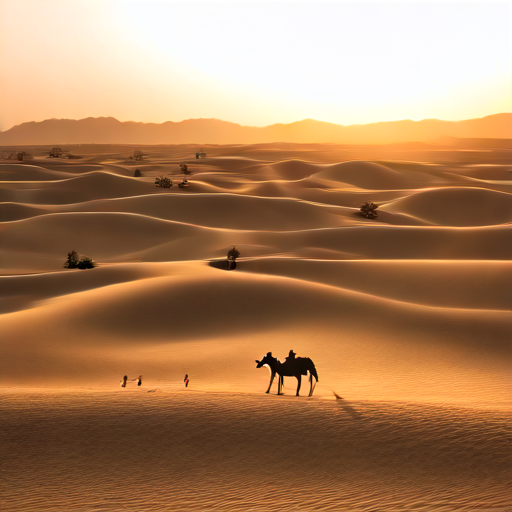
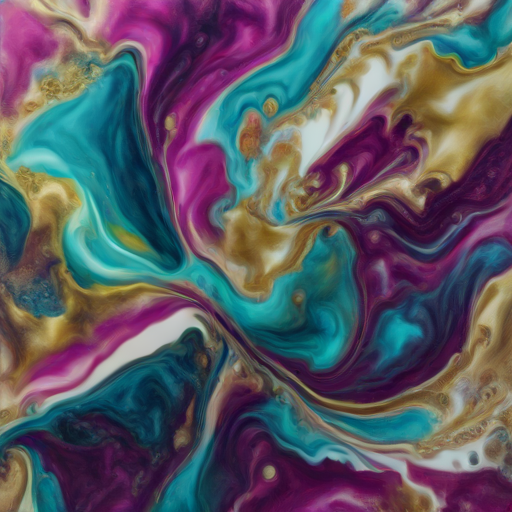
POST /lmcp/pipeline call.
八个开源模型 · 一次 POST /lmcp/pipeline 调用。
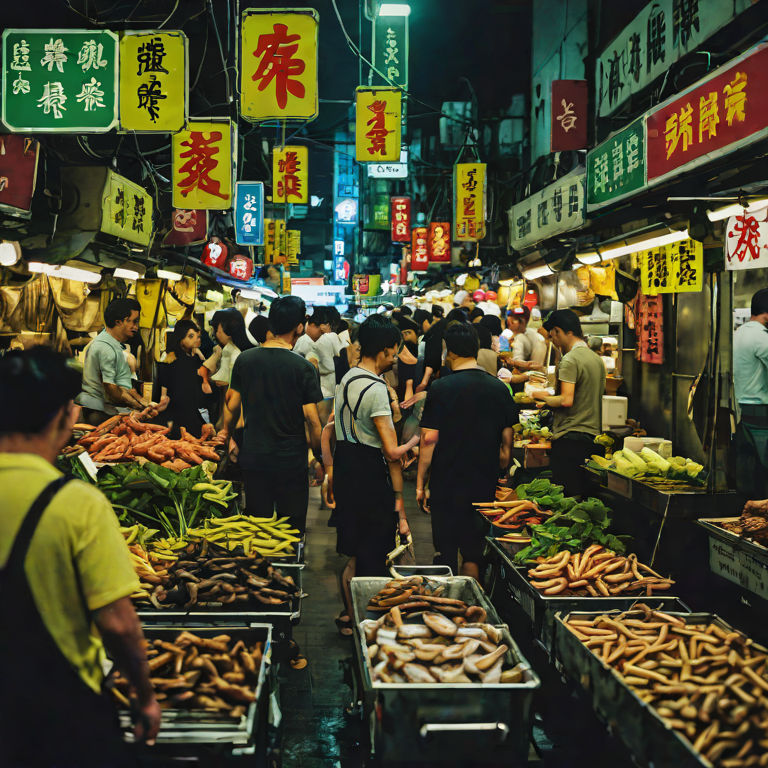
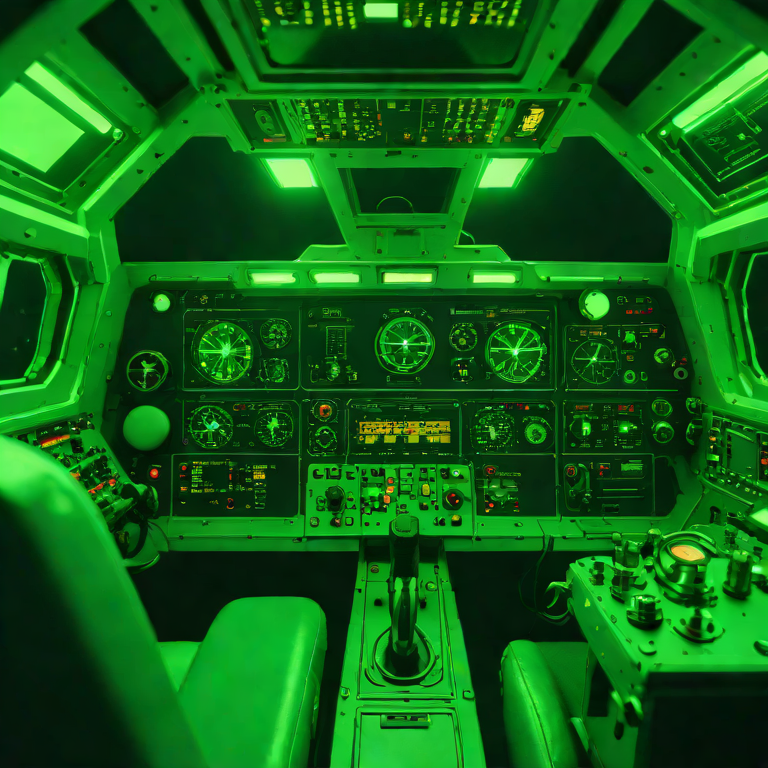
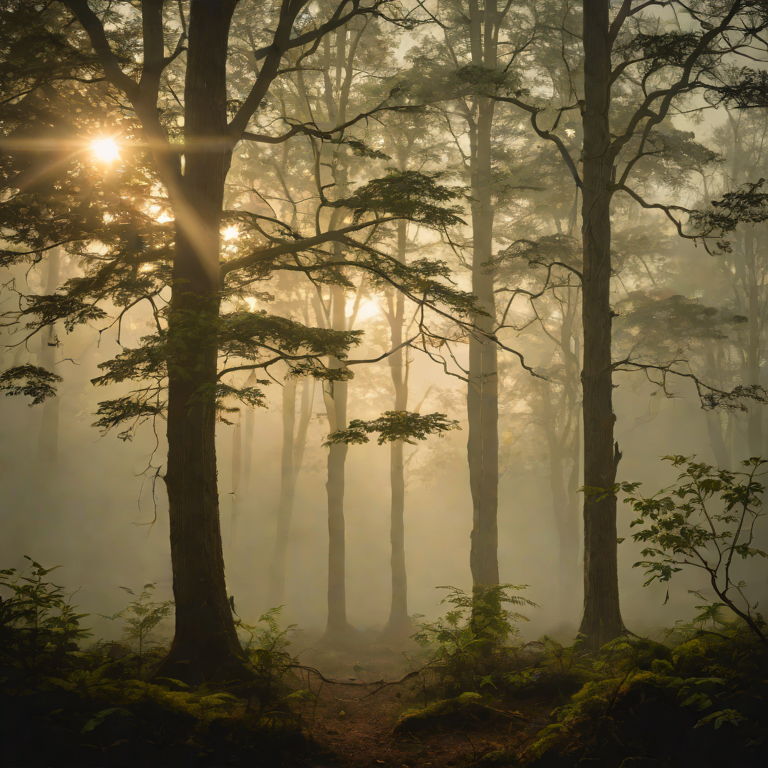
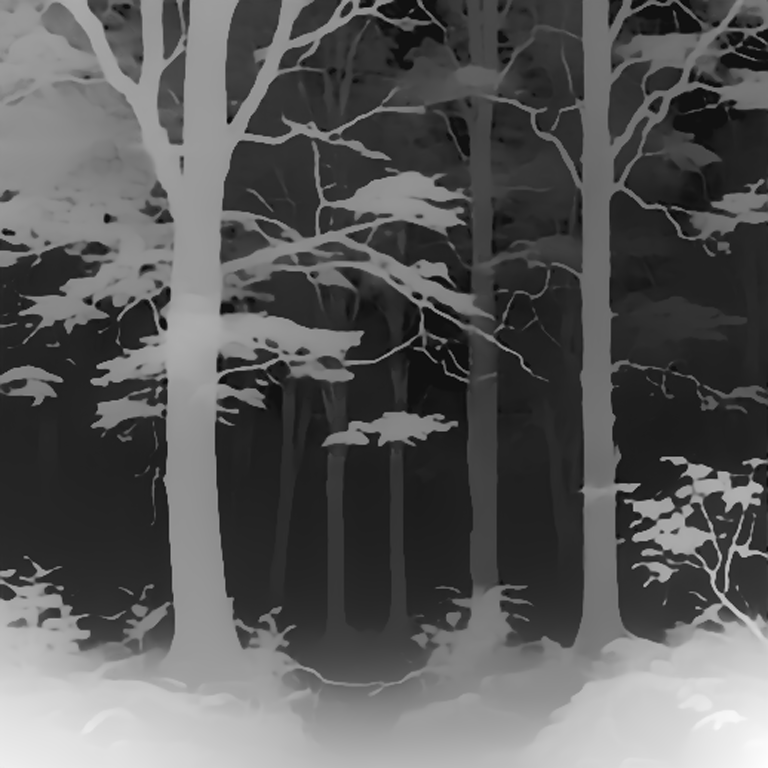
Rendered image → monocular depth → SAM auto-segmentation → BLIP caption → Qwen2.5 composes a sentence from upstream stats → MusicGen theme → Whisper closes the loop → CogVideoX hero clip. All offline, GPU-cached, zero external network. Peak 26.6 GB VRAM on RTX PRO 6000 Blackwell. 生图 → 深度 → SAM 分割 → BLIP 文本理解 → Qwen2.5 组合段 → MusicGen 配乐 → Whisper 回译闭环 → CogVideoX 视频收尾。全程离线、GPU 常驻、零外网。RTX PRO 6000 Blackwell 峰值 26.6 GB 显存。
Full three-challenge showcase with per-stage audio + segmentation detail: lmcp-stress/. The pipeline primitive binds across stages via ${step.field} templating; see LMCP_SPEC.md §4.9.
三个挑战的完整分面板展示 (含每阶段音频 + 分割细节):lmcp-stress/。pipeline 原语通过 ${step.field} 模板跨阶段绑定;详见 LMCP_SPEC.md §4.9。

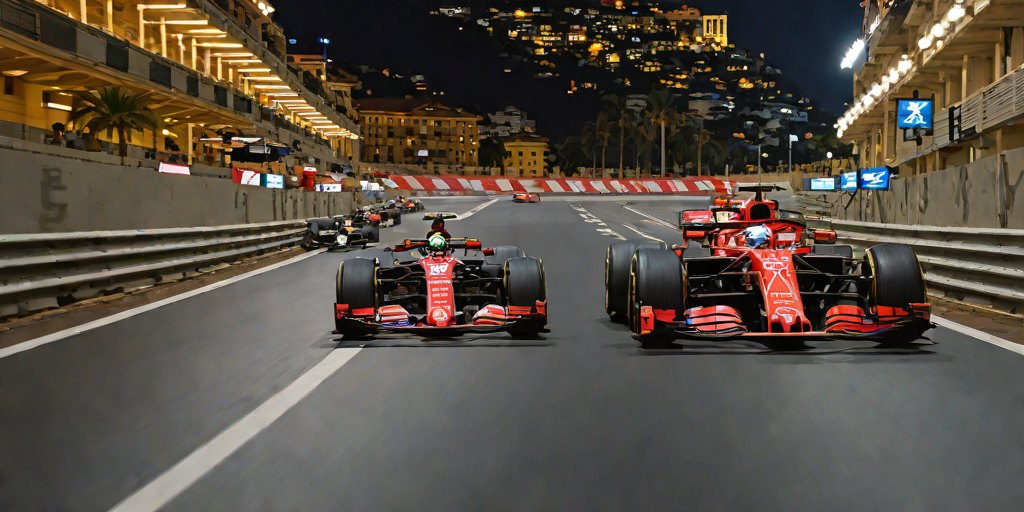
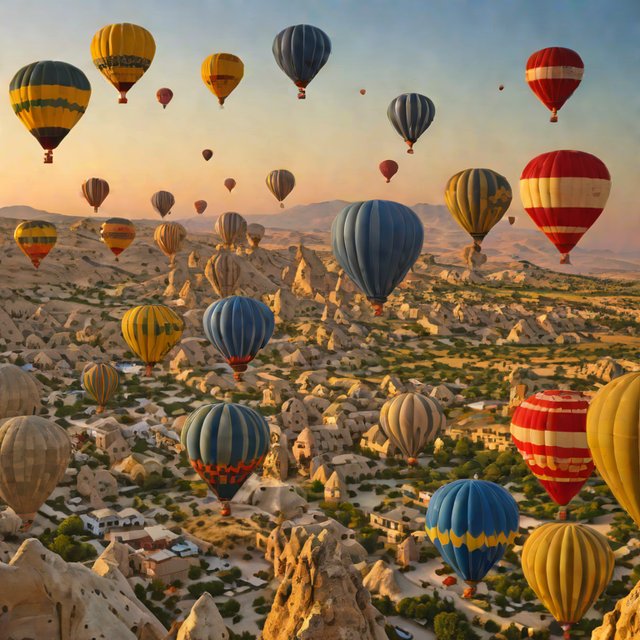
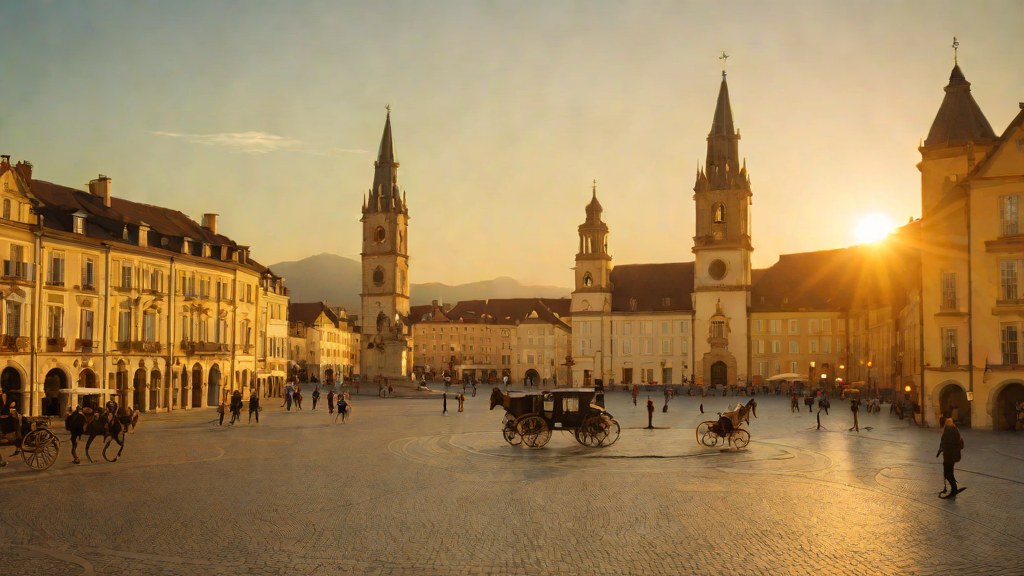
The medical stress test above exercised the pipeline on grayscale clinical aesthetics. Here is the same POST /lmcp/pipeline call shape, re-fed with sports prompts. The point: one primitive, zero config change, cleanly spans content domains that look nothing alike.
上面的医学 stress 测试跑的是灰度临床美学。这里同一个 POST /lmcp/pipeline 调用, 换成体育题材的 prompt 再跑。意图是:一个原语、零配置改动、干净地跨越视觉上完全不像的内容域。
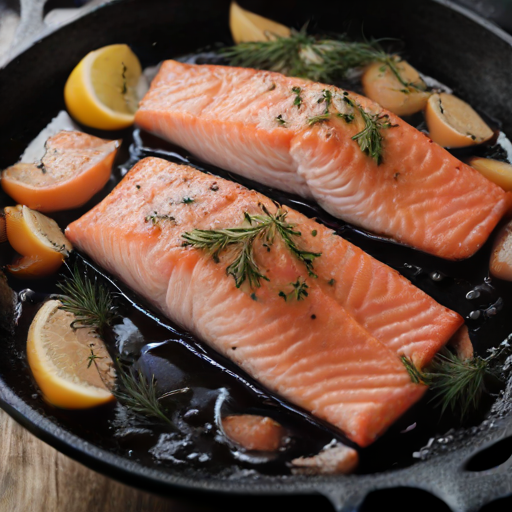
NBA basketball fast-break slam dunk, athletic player mid-air, basketball just leaving hand, arena lights streaking, crowd blurred motion, 35mm sports photography, dramatic lighting, golden hour backlight, high contrast


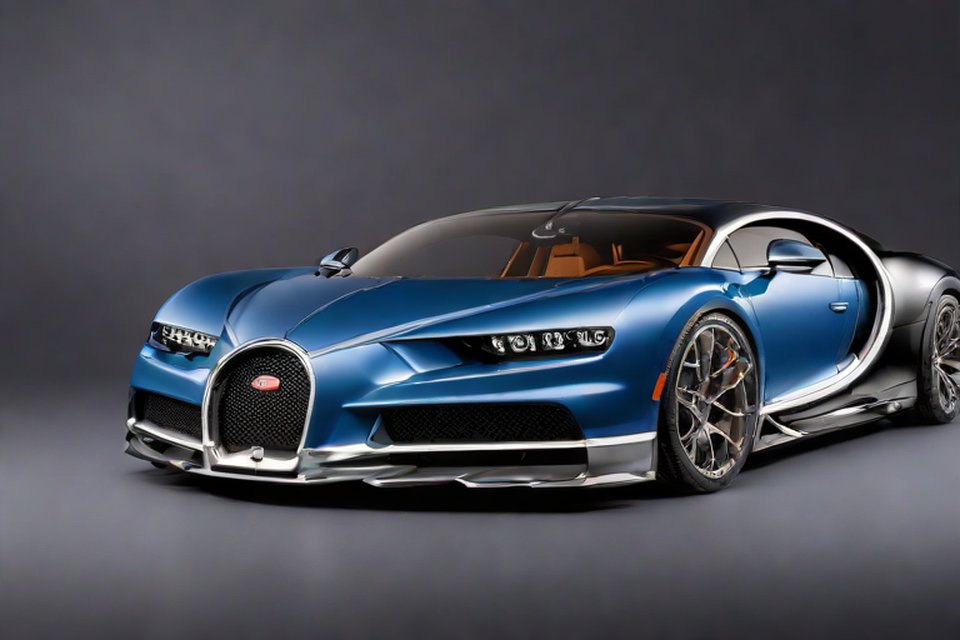
Formula 1 Monaco Grand Prix night, red race car under neon track lights, long exposure light trails, wet reflective asphalt, harbor backdrop, dramatic cinematic photography, speed blur, ultra high detail


{"tool": "/lmcp/surfaces", "args": {"model": "Qwen/Qwen2.5-1.5B-Instruct"}}{"num_layers": 28, "arch": null, "surfaces": ["model", "arch_family", "n_surfaces", "by_kind", "surfaces"]}{"tool": "/lmcp/compute_vector_auto", "args": {"concept": "Chinese preference", "pos": "用中文回答", "neg": "English only"}}{"vec_id": "483e38c5839542bb85c75ce5184d77b2", "auto_separability_layer": 27, "separability": 0.0, "layers_scanned": null}{"tool": "/lmcp/generate (no interventions, 3 prompts)"}{"baseline_zh_ratio": 0.0, "per_prompt": [0.0, 0.0, 0.0]}{"tool": "/lmcp/generate (sweep L=0..27, af=1.0, 3 prompts each)"}{"sweep_s": 94.3, "top3_layers": [22, 8, 10], "top3_zh": [0.703, 0.701, 0.695], "bottom3_layers": [24, 26, 16], "bottom3_zh": [0.234, 0.232, 0.042], "max_lift": 0.703, "max_lift_layer": 22, "matches_auto_layer": false}{"tool": "/lmcp/generate (3 configs × 3 prompts)", "args": {"A_layer": 22, "B_layer": 27, "C_layer": 14}}{"A_sweep_winner": {"layer": 22, "zh": 0.703, "sample": "Please briefly introduce the city of Shanghai.上海是中国的经济和文化中心,也是中国最大的城市之一。它位于长江入海口,拥有丰富的历史文化遗产和现代化的城市景观。上海是国际大都市,拥有众多的商业、金融、文化和旅游设施。此外,上海还是中国的科技创新中心之一,吸引了大量的科技企业和人才。总的来说,上海是一个充满活力和机遇的城市,吸引着来自世界各地的人们前来工作和"}, "B_auto_separability": {"layer": 27, "zh": 0.3, "sample": "Please briefly introduce the city of Shanghai.和上海这座城市,你能简单介绍一下吗?\n\n上海是中国的经济、金融…Each bar = Chinese-character ratio in the output when the Chinese-preference steering vector is injected at that layer. Higher = steering had more effect at that depth.每条柱 = 把 "Chinese 偏好" 控制向量注入到该层时输出中中文字符的比例。越高说明在该深度注入控制越有效。
Across all 28 layers of Qwen2.5-1.5B-Instruct, the steering vector produces the strongest effect at layer 22 (zh = 0.703). The server's own auto-selected layer (chosen by activation-space separability) was layer 27 (zh = 0.300) — the agent's direct behavioural experiment outperformed it by 2.35×. Random mid-stack layer 14 gave zh = 0.242 — 2.91× below the agent's pick.
在 Qwen2.5-1.5B-Instruct 全部 28 层中, 控制向量在 第 22 层 注入时效果最强 (zh = 0.703)。服务器基于激活可分性自动选中的是 第 27 层 (zh = 0.300) — 代理用直接行为实验把它超越了 2.35×。随机中层 L14 的 zh = 0.242 — 比代理选中的层低 2.91×。
Each demo below is a single pipeline call on an RTX PRO 6000 Blackwell. The outputs are shown verbatim — no manual editing. Look at them. 下面每个 demo 都是一次 pipeline 调用, 跑在 RTX PRO 6000 Blackwell 上。输出都是原样展示, 没有手工修改。看看。
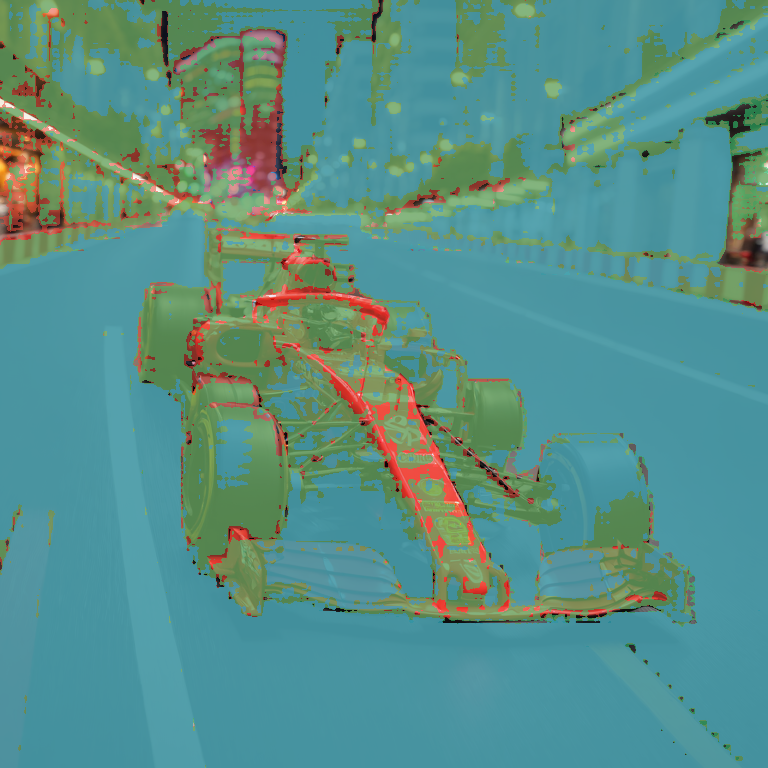
SDXL renders the scene, SAM finds the salient regions, each region is cropped and fed through BLIP for a per-region caption. The red markers are the SAM bbox centers; the captions below are BLIP's independent read of each cropped region. SDXL 画场景, SAM 找显著区域, 每个区域裁出来单独过 BLIP 得到分区 caption。红点是 SAM 的 bbox 中心, 下面的 caption 是 BLIP 对每个裁片的独立判读。
Prompt (constant for all 6): "In three sentences, describe a lone hiker reaching a mountain summit at dawn." Model: Qwen2.5-1.5B-Instruct. Each cell changes the forward pass differently. Prompt (六次一致):"In three sentences, describe a lone hiker reaching a mountain summit at dawn." 模型:Qwen2.5-1.5B-Instruct。每个格子用不同方式改 forward pass。
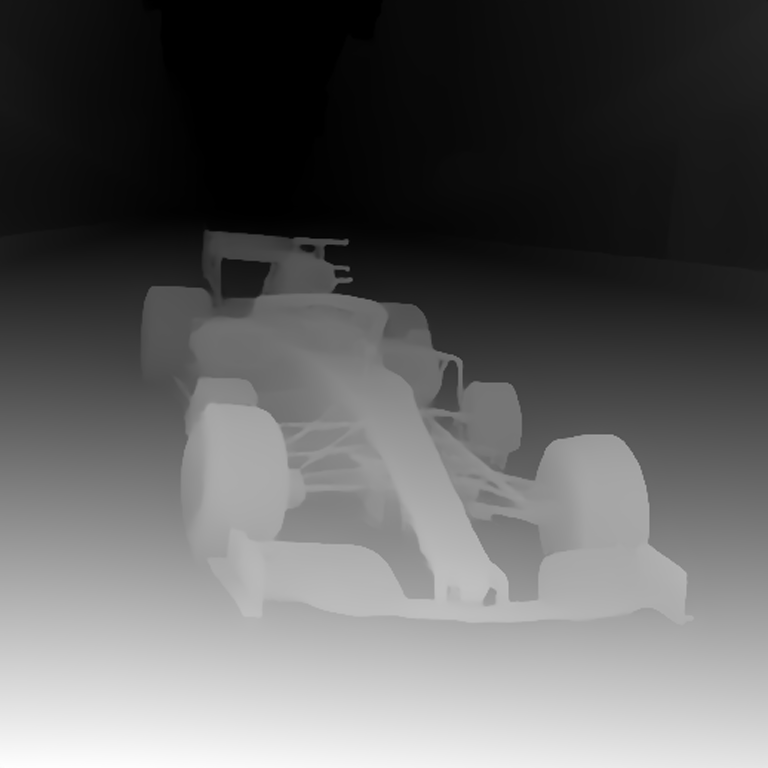
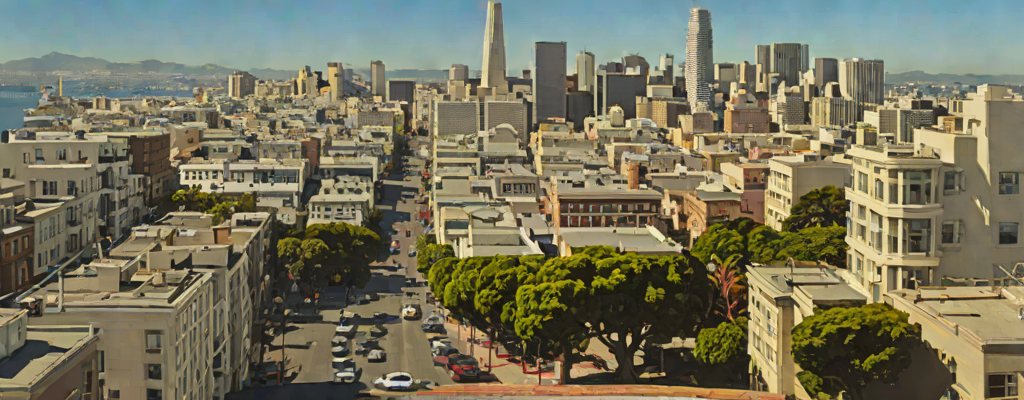
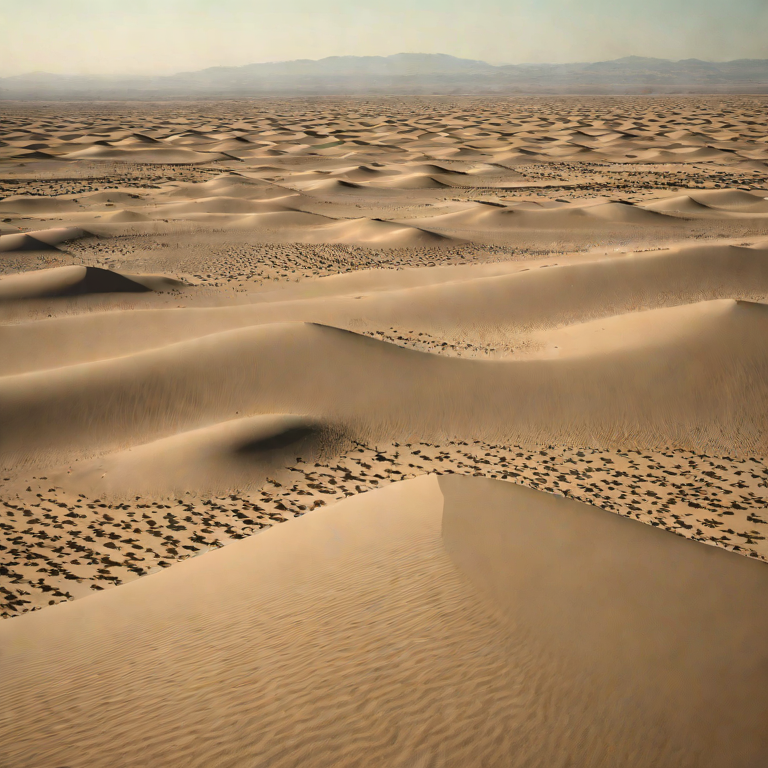
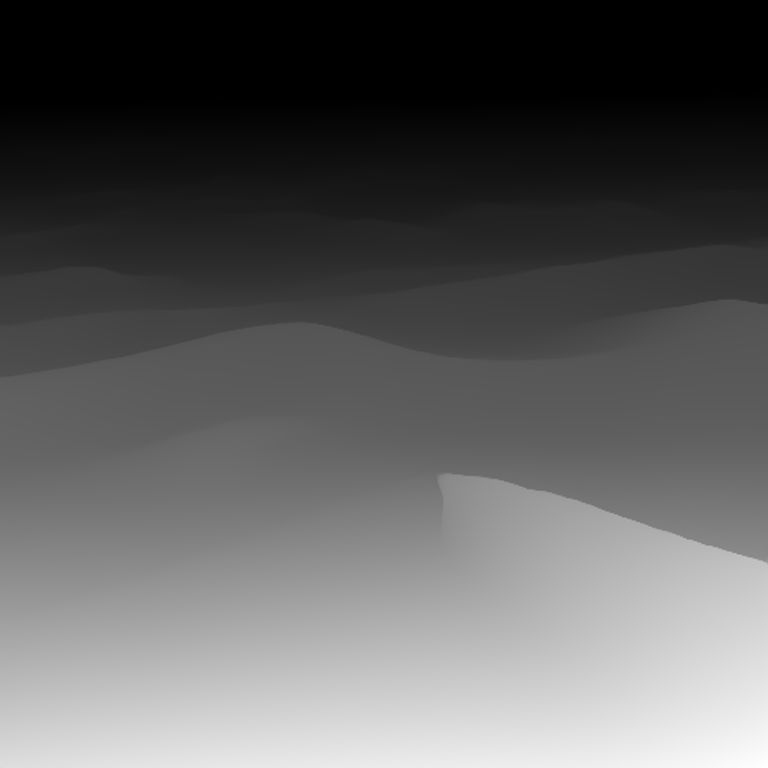
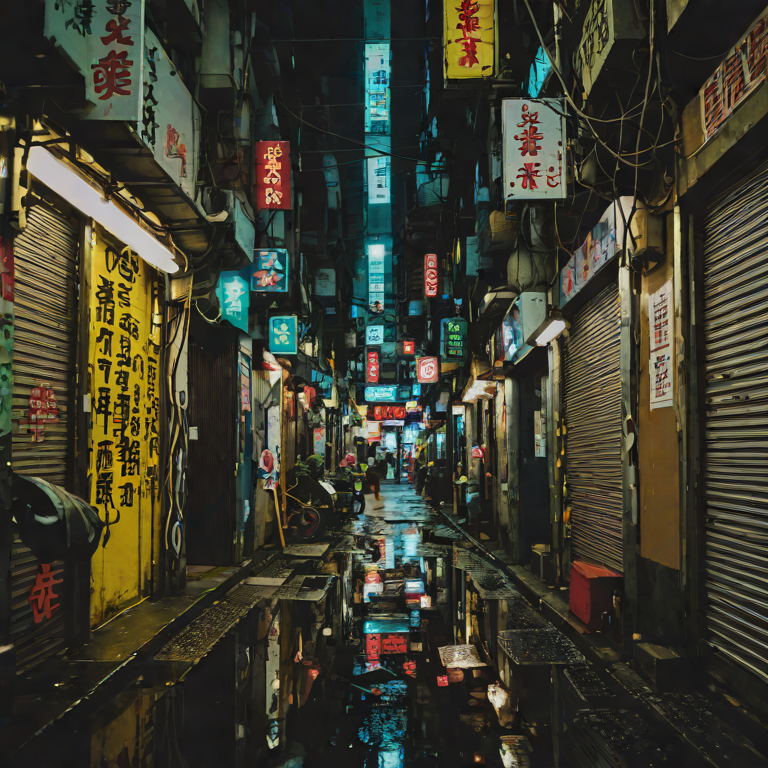
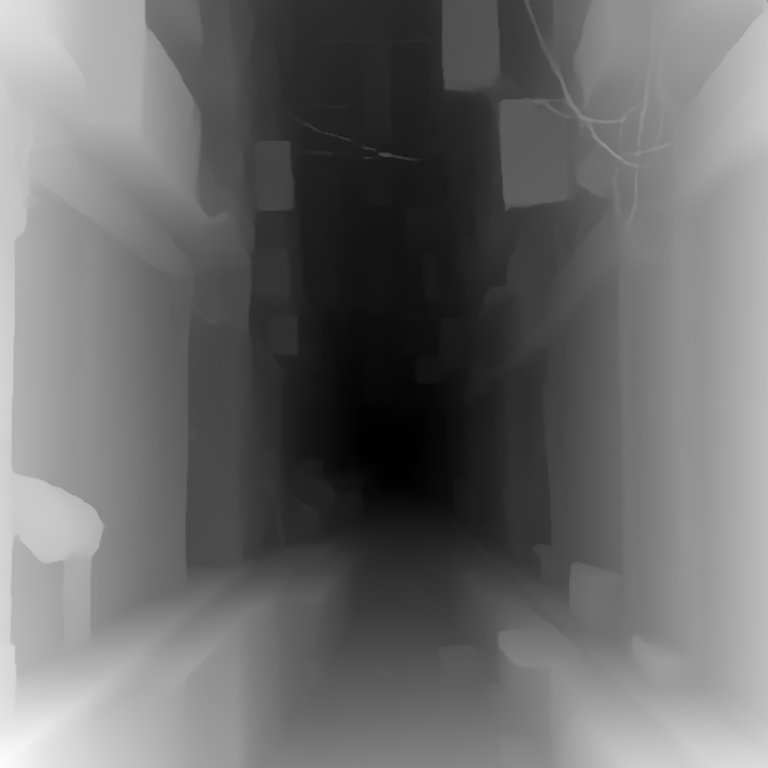
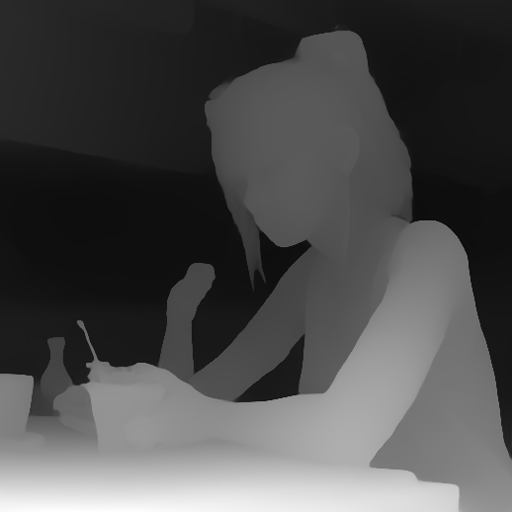
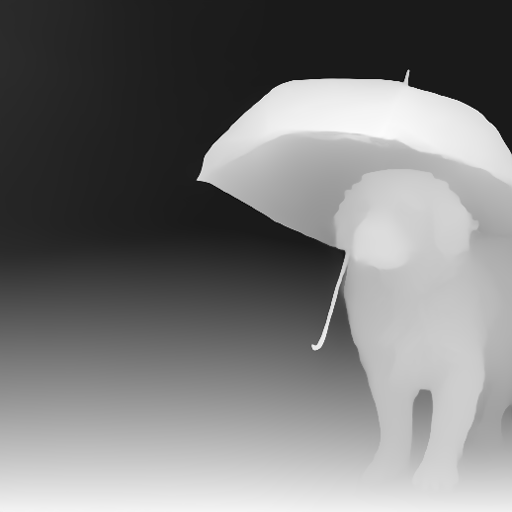
The audio prompt here is not human-written. SDXL renders the scene, Depth-Anything-V2 computes depth, the min/max/mean + openness ratio are passed to Qwen2.5-1.5B which writes a music prompt derived purely from the spatial numbers. MusicGen then renders that prompt. Three scenes, three distinct derived music prompts. 这里的音频 prompt 不是人写的。SDXL 画场景, Depth-Anything-V2 算深度, min/max/mean + openness 丢给 Qwen2.5-1.5B 让它从空间数值导一个 music prompt。然后 MusicGen 把 prompt 渲染成音频。三个场景, 三个各自推导出来的音乐 prompt。


Hover each image. The Depth-Anything-V2 output composites in with screen-blend to show the model's spatial reading. Low-depth = dark = near camera; high-depth = bright = far from camera. 鼠标悬停每张图。Depth-Anything-V2 的输出以 screen-blend 覆盖, 展示模型对空间的判读。暗 = 近, 亮 = 远。
Once the ModelRein service runs on your GPU server it answers on 127.0.0.1:8030 (/healthz, /lmcp/capabilities). Call it with curl, Python or any HTTP client through the tunnel Rescot opens.
ModelRein 服务在你的 GPU 服务器上运行后监听 127.0.0.1:8030(/healthz、/lmcp/capabilities)。通过 Rescot 建立的隧道,用 curl、Python 或任何 HTTP 客户端调用。
In Rescot open Settings → Connections → LMCP connections, paste the SSH command your cloud gives you and the password. Rescot forwards the server to a local port, and in Task mode the agent gets 24 lmcp_ tools.
在 Rescot 打开 设置 → 连接 → LMCP 连接,粘贴云服务器给你的 SSH 命令并输入密码。Rescot 把服务器转发到本机端口,任务模式下智能体获得 24 个 lmcp_ 工具。
An MCP bridge can hand 20 ModelRein tools to MCP-aware clients. It is not publicly distributed yet. MCP 桥可以把 20 个 ModelRein 工具交给支持 MCP 的客户端。它目前还没有公开分发。
Open the 4D GS demo → 打开 4D GS demo →


| Model | Task | Arch | VRAM | Speed | ModelRein |
|---|---|---|---|---|---|
| Qwen2.5-1.5B-Instruct | text generation文本生成 | causal_lm | 3.5 GB | ~1 s | yes |
| SDXL-turbo | text → image文→图 | unet | 6.5 GB | 0.12 s | yes |
| Qwen2-VL-7B-Instruct | image → text图→文 | vlm | 15.4 GB | 1 – 2 s | yes · 60 surfaces |
| CogVideoX-2B | text → video文→视频 | dit | 6.9 GB | 55 s | yes |
| Depth-Anything-V2 | image → depth图→深度 | vit | 1 GB | 0.3 s | — |
| MusicGen-small | text → music文→音乐 | causal_lm | 1.5 GB | 5 s | yes |
| SAM-ViT-Base | image → mask图→分割 | vit | 1 GB | 0.5 s | — |